
Download Calendar APK – calendar, schedule planner, event planner, appointment tracker, productivity tool, daily planner, task manager, time management, meeting scheduler, calendar app, planner app, calendar utility
Overview
Calendar - Schedule Planner is a dedicated productivity tool designed to streamline personal and professional event management. The application provides a centralized platform for tracking appointments, meetings, and daily tasks across multiple views including Day, Week, Month, Quarter, and Year. It aims to eliminate missed events by offering timely notifications and intuitive calendar navigation.
The software supports a range of use cases, from managing work schedules and team meetings to organizing family events and personal milestones. Its design emphasizes clarity and ease of access, making it suitable for users seeking a reliable digital planner. The developer, Calendr, has focused on delivering a functional calendar utility with integrated features such as a schedule planner, holiday calendar, and time zone support.
While the app is marketed as a comprehensive solution for time management, it operates entirely on the Android platform. The developer did not provide additional information about their background or organizational structure. Real-world scenarios include setting up recurring meetings, planning project deadlines, or tracking seasonal events like holidays and the Christmas countdown.
Despite its feature set, the app includes advertisements, which may impact the user experience for some individuals.
Key Features & Capabilities
- Multi-View Calendar Display – Offers Day, Week, Month, Quarter, and Year views to accommodate different planning needs. Users can switch between layouts to gain a detailed or broad overview of their schedule.
- Schedule Planner Functionality – Enables intelligent scheduling of meetings and events, helping users allocate time efficiently based on existing commitments.
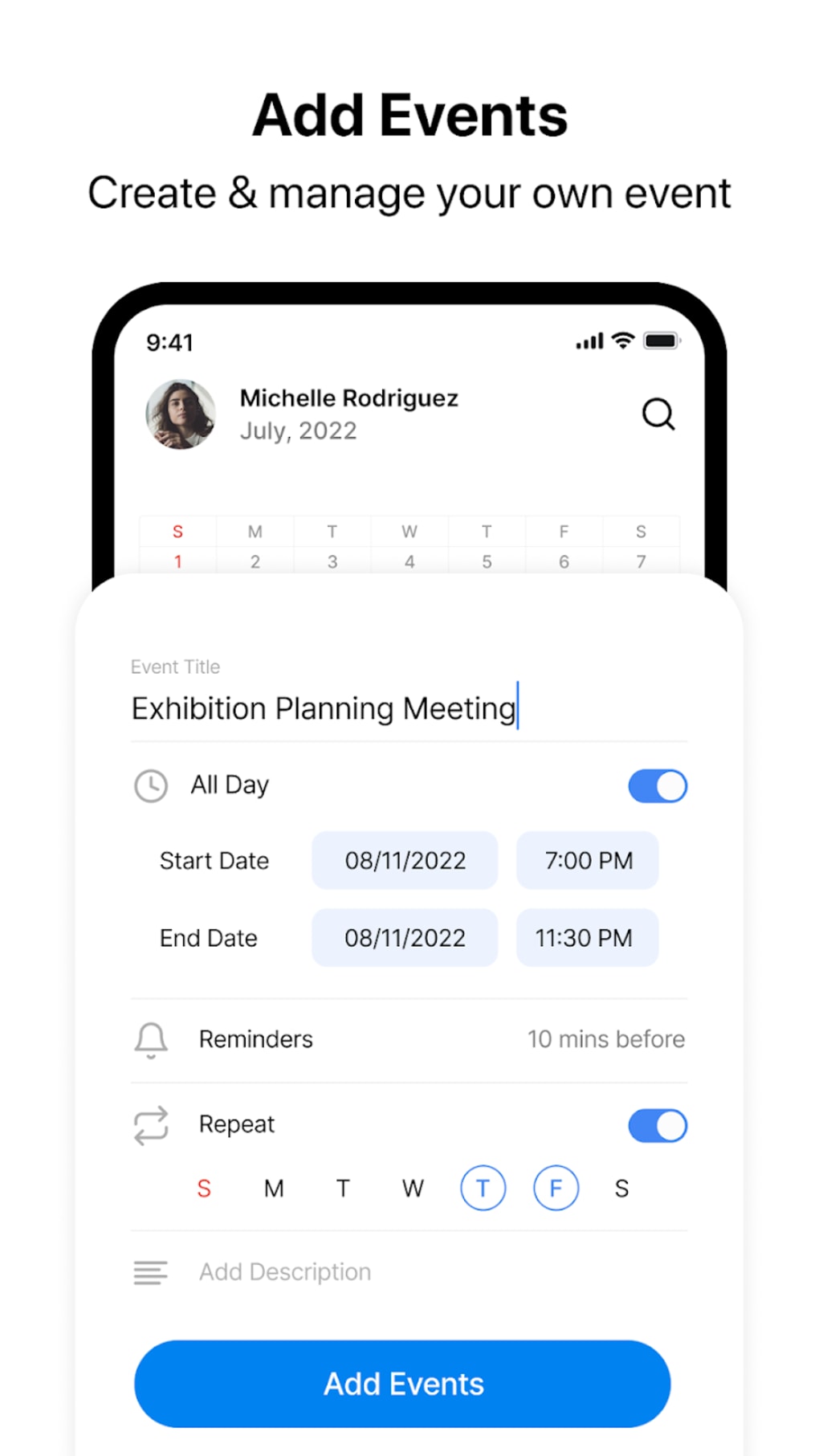
- Event Management Tools – Allows users to create, edit, and drag appointments across the calendar grid. The WeekCal feature simplifies adding, repeating, and rearranging events.
- Smart Suggestions & Company Calendar – Provides event suggestions based on user patterns and integrates with a company calendar to assist in team coordination.
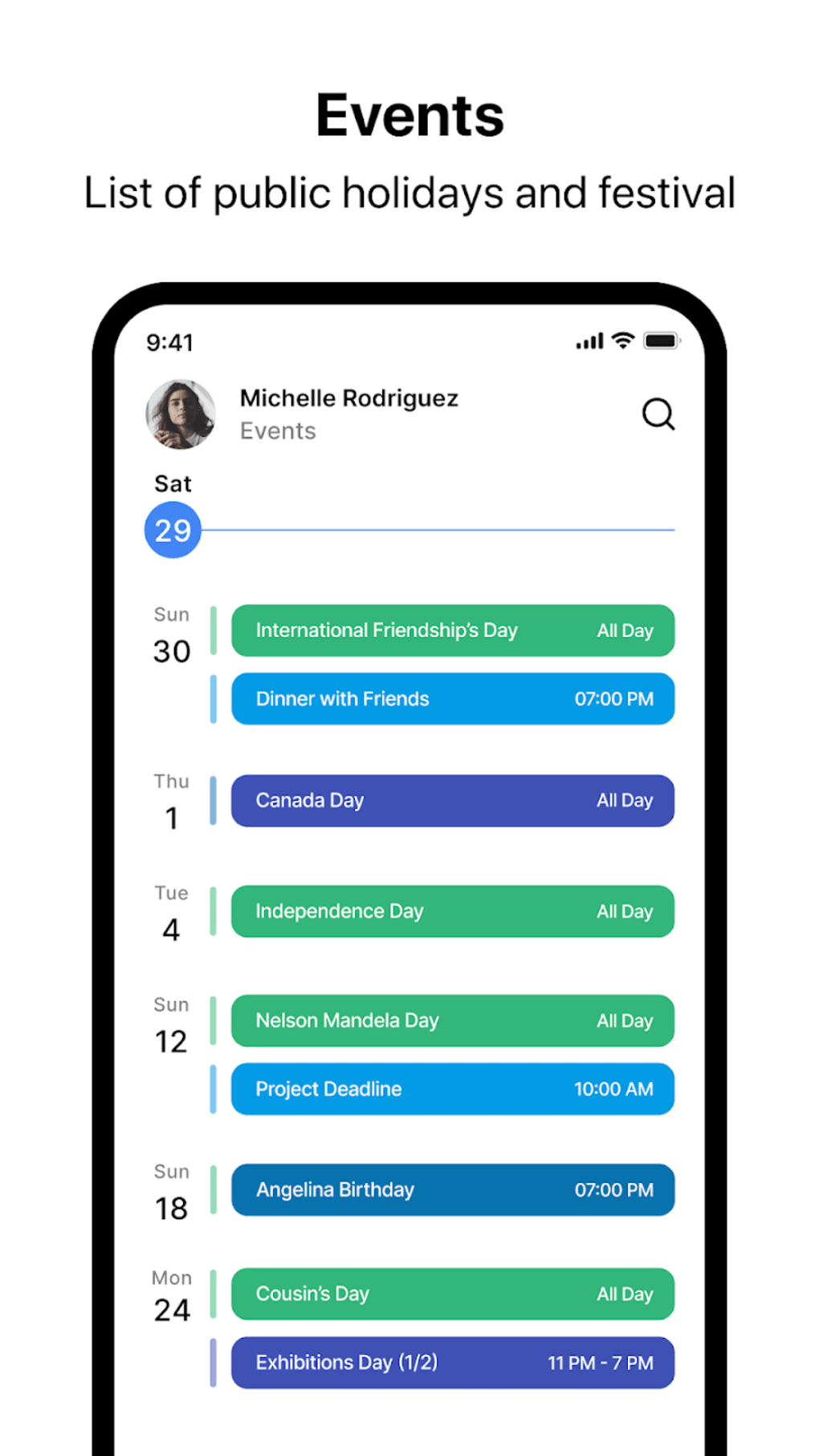
- Integrated Features – Includes holiday calendar, time zone support, weather integration, and a Christmas countdown, enhancing contextual planning.
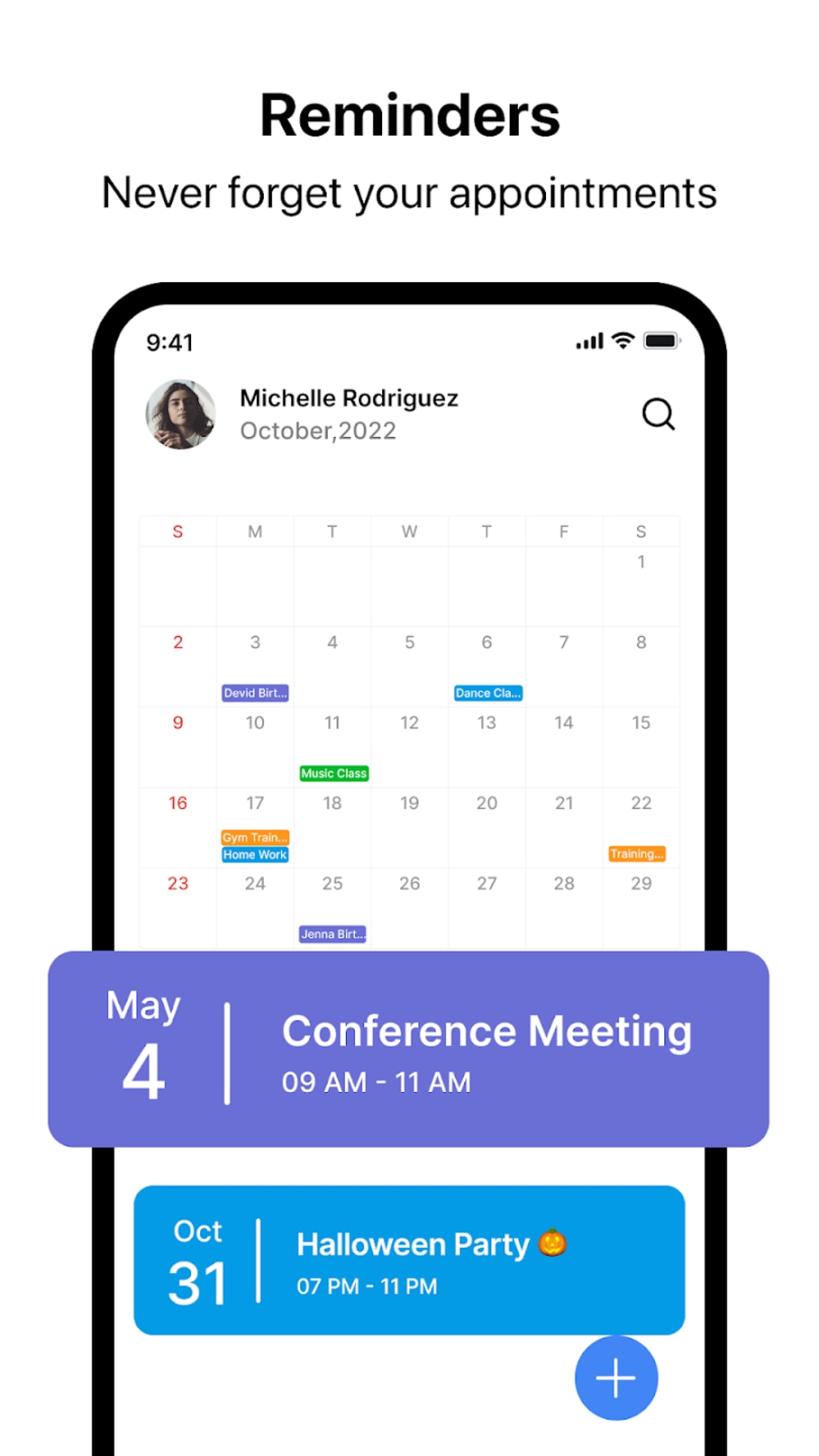
- Call Widget & Notifications – Offers a one-click access widget and customizable daily reminders to ensure users stay on track with their appointments.
These capabilities support users in reducing time spent on manual calendar updates and improving overall time management. For example, a professional can use the schedule planner to block time for client calls, while a parent might use the holiday calendar to plan family gatherings. The integration of weather and time zone data helps users prepare for events in different regions. The app’s interface enables quick event creation and visual reorganization, contributing to a smoother workflow. The developer did not specify the technical implementation of these features, but their presence suggests a focus on usability and automation.
User Interface, Workflow & Performance
The user interface of Calendar - Schedule Planner is described as straightforward and easy to understand, catering to users of varying technical proficiency. Navigation is designed around calendar views, with intuitive touch gestures for event creation and adjustment. The layout supports drag-and-drop functionality, allowing users to reposition appointments within the weekly planner.
Workflow efficiency is enhanced through features like the call widget and after-call menu, which streamline access to calendar functions during phone interactions. The app’s performance is expected to be stable on modern Android devices, though exact resource usage details were not specified. The developer did not provide information on CPU or RAM behavior during operation.
General software behavior patterns suggest that the application maintains responsiveness under typical usage conditions. Stability is likely maintained through regular updates, though specific details on crash rates or error handling were not included. The presence of advertisements may influence load times or user flow, though no performance degradation was reported in the provided description.
Compatibility & System Requirements
Calendar - Schedule Planner is designed for the Android operating system. The current version is 3.5.1, with a file size of 14.7 MB, indicating a lightweight installation. The developer did not specify minimum hardware requirements such as RAM, processor speed, or storage space.
Compatibility information was partially provided, confirming support for Android devices only. No details were given about supported Android versions or device types. The developer did not provide additional system requirements.
Users are advised to ensure their device meets standard Android app installation criteria. The app is available for free, which may influence its distribution and access across different device models.
Pros and Cons
Pros
- Lightweight installation at 14.7 MB
- Multiple calendar views for flexible planning
- Intuitive drag-and-drop event management
- Smart scheduling and company calendar integration
- Time zone and weather support for global users
- Free to download and use
- Includes holiday calendar and Christmas countdown
Cons
- Ad-filled interface may disrupt user experience
- No information on minimum system requirements
- Performance and resource usage details not provided
- Android-only platform availability
- Limited transparency about update frequency and support
FAQ Section
Is Calendar - Schedule Planner available for iOS devices?
The application is currently available only for Android. There is no information on iOS compatibility or future plans for cross-platform support.
Is the app free to use?
Yes, Calendar - Schedule Planner is offered at no cost. However, the app includes advertisements, which may affect the user experience.
Can I use the app offline?
The app supports offline access to calendar data, allowing users to view and manage events without an internet connection. Synchronization occurs when connectivity is restored.
How often are updates released?
Update frequency was not specified by the developer. Users should check the app store for the latest version and improvements.
What type of license does the app use?
The app operates under a free-to-use model with ads. No formal license agreement or subscription tier was mentioned in the provided information.
Final Thoughts
Calendar - Schedule Planner delivers a focused and functional solution for users seeking a reliable digital calendar on Android. Its multi-view layout, smart scheduling tools, and integrated features like time zone support and holiday tracking make it a practical choice for managing both personal and professional commitments. The lightweight design and free availability enhance accessibility, while the drag-and-drop interface improves workflow efficiency.
However, the presence of advertisements may detract from the overall experience, especially for users seeking a distraction-free environment. The lack of detailed system requirements and performance data limits transparency. Despite these considerations, the app remains a viable productivity tool for individuals who prioritize calendar organization and time management on Android.
For users who value simplicity, flexibility, and free access, Calendar - Schedule Planner offers a compelling option. Download Calendar - Schedule Planner now.





.png)

